Clear blue sky
Natural blue with light cloud coverage for travel, portraits, properties and outdoor products.
Change a flat, gray, overexposed or distracting sky into clear blue weather, soft clouds, golden hour, sunset, twilight or a creative scene.
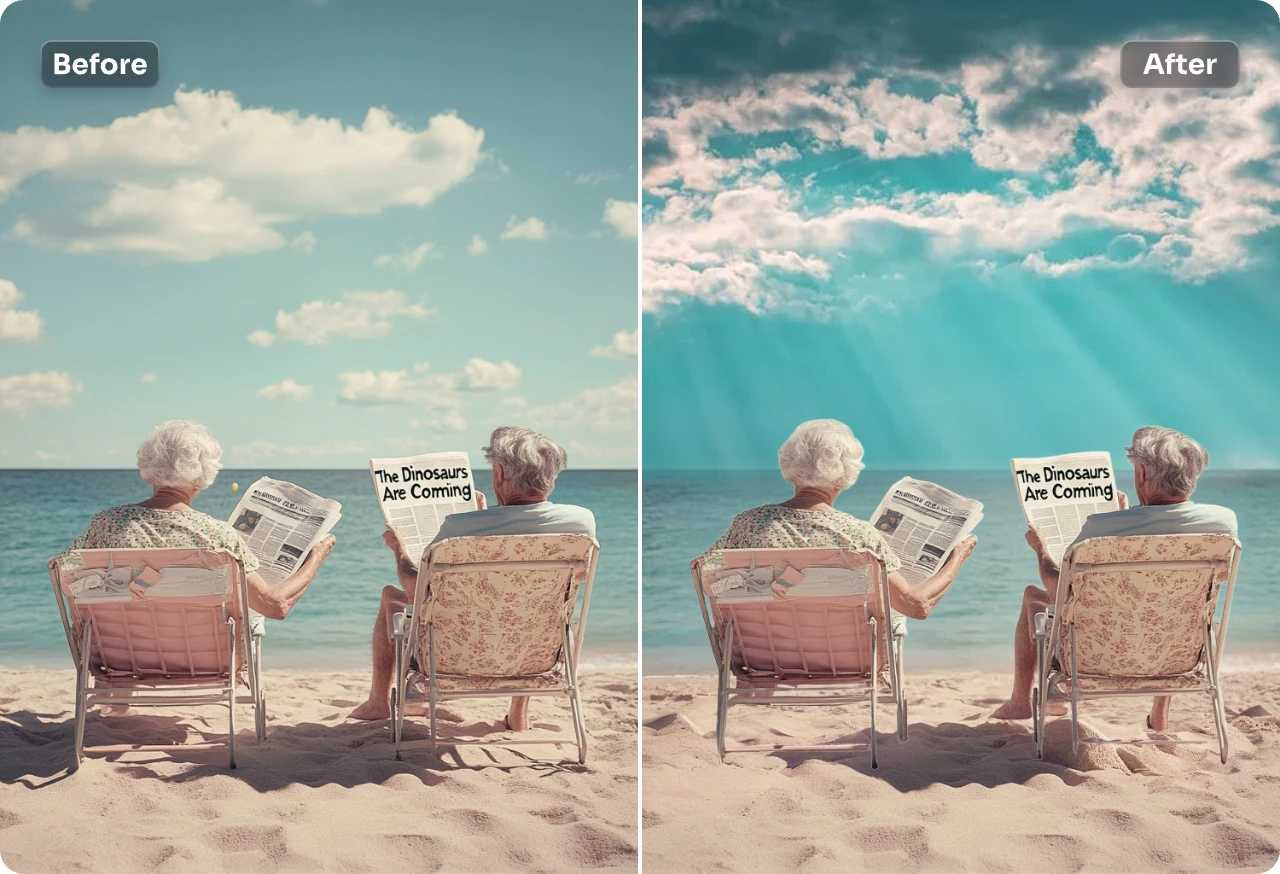
Upload a photo, select the sky and describe the replacement atmosphere.
The sky influences lighting, color, depth and mood. PxBee lets you mark the sky and generate a natural daylight variation, warmer evening color or dramatic creative treatment.
The replacement is generated. It does not show the actual weather or scene present when the original photo was taken.


Natural blue with light cloud coverage for travel, portraits, properties and outdoor products.
Gentle cloud detail without making the scene overly dramatic.
Warm late-afternoon tones for a foreground already photographed in similar light.
Orange, pink, red or purple evening color for a creative image.
A subtle blue-hour atmosphere when the foreground lighting can support it.
Depth and contrast for artistic landscapes, posters or campaign visuals.
An imaginative scene that should be labeled as a creative edit when authenticity matters.
Avoid lightning, auroras, extreme storms or celestial events in documentary images unless the alteration is clearly disclosed.
Natural light blue daytime sky, soft white clouds, realistic atmospheric haze near the horizon, even daylight.
Bright blue sky with scattered soft cumulus clouds, realistic cloud scale, clean daylight, subtle horizon haze.
Warm golden-hour sky, soft orange light near the horizon, pale blue upper sky, thin natural clouds.
Realistic pastel sunset, warm peach and pink clouds, gentle evening light, natural gradient, no extreme colors.
Detailed dramatic storm clouds with visible depth, realistic gray tones, soft light breaking through, cinematic but natural.
Deep blue twilight sky, subtle remaining light at the horizon, light cloud texture, realistic evening atmosphere.
Clear dark night sky with subtle stars, faint atmospheric glow near the horizon, realistic low-light appearance.
Choose a JPG, JPEG, PNG or WebP outdoor photo.
Select the complete original sky and reduce the brush size around trees, buildings, people, wires and the horizon.
Specify time, colors, cloud type, brightness, weather and mood.
Let PxBee create a new sky inside the selected area.
Inspect horizon edges, lighting, color balance, shadows, glass, water and reflective surfaces.
Save the strongest version or refine the prompt and selection.
Cloud scale and atmospheric haze should match perspective and distance.
A bright sun should not conflict with foreground shadows pointing another way.
A warm sunset may conflict with an unchanged cool midday foreground.
Trees, hair, rooftops, wires and buildings should not show halos or missing areas.
Water, windows, vehicles, polished products and wet ground may retain the original sky.
Oversized clouds can look too close or disconnected from the landscape.
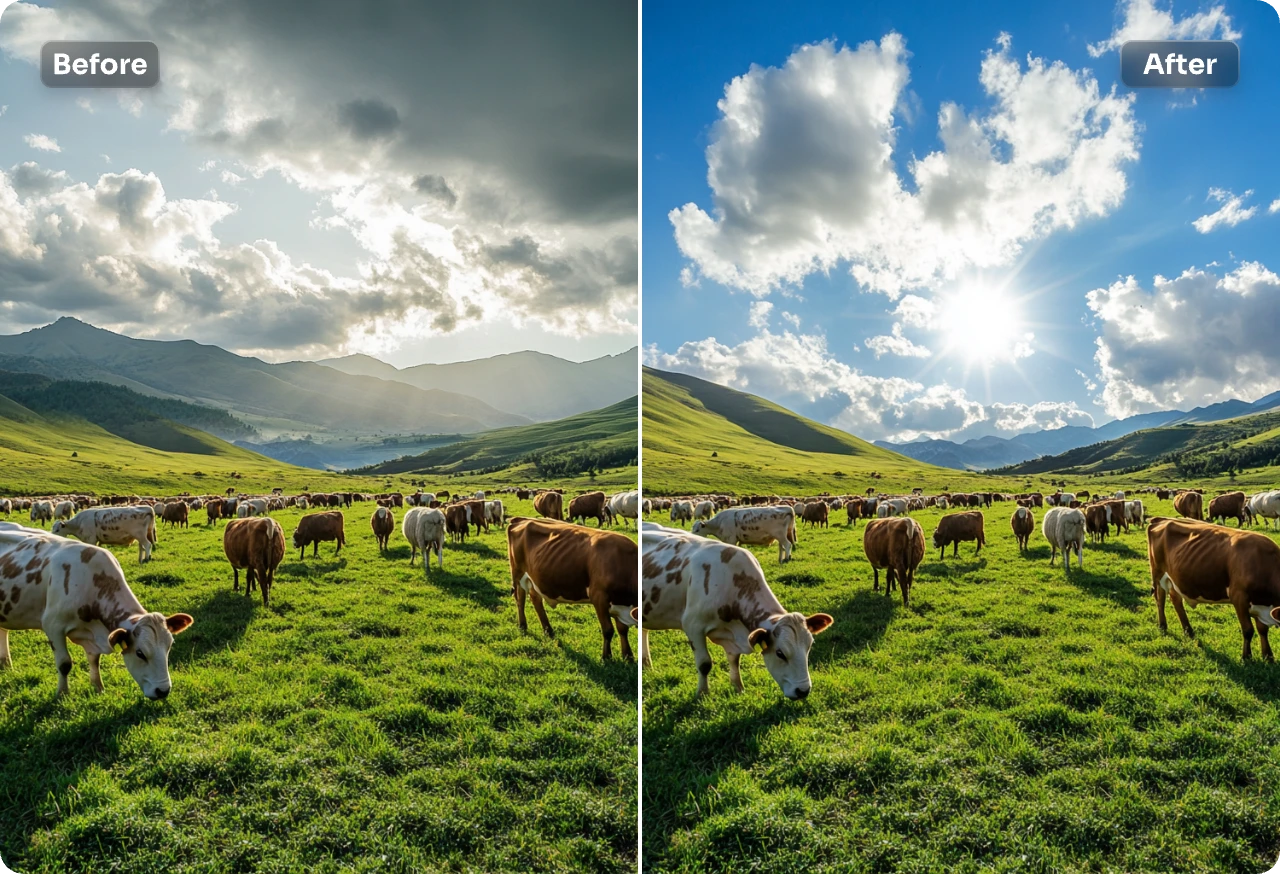
Improve an authorized image with a flat sky, while preserving the original when it documents actual conditions.
Change mood while carefully checking hair, hats, shoulders and skin edges.
Create an alternate artistic version and preserve the original documentary photograph.
Never misrepresent property, view, location, season, surroundings or conditions; follow local listing policies.
Review reflections, packaging colors, shadows and product accuracy.
Generate dramatic or imaginative skies for posters, social graphics, artwork or fictional scenes.
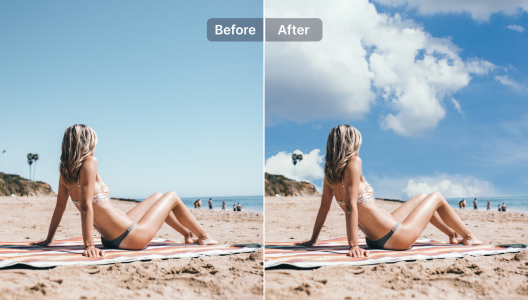
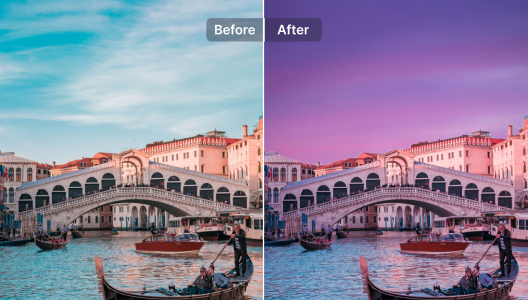
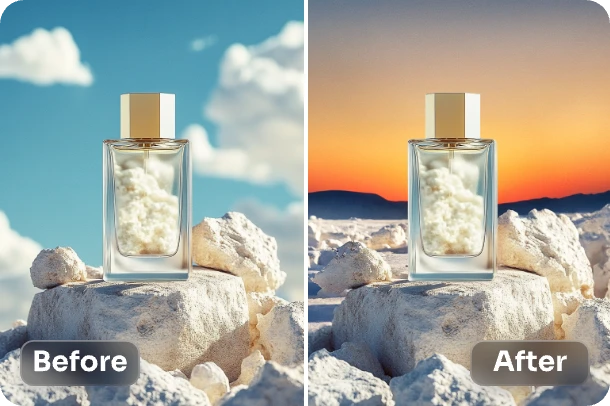
Use Sky Replacement AI when the foreground and surrounding landscape should remain and only the sky changes.
Use AI Background Changer for an entirely different scene, Background Remover for a transparent cutout, or AI Background Generator for a new product or portrait background.
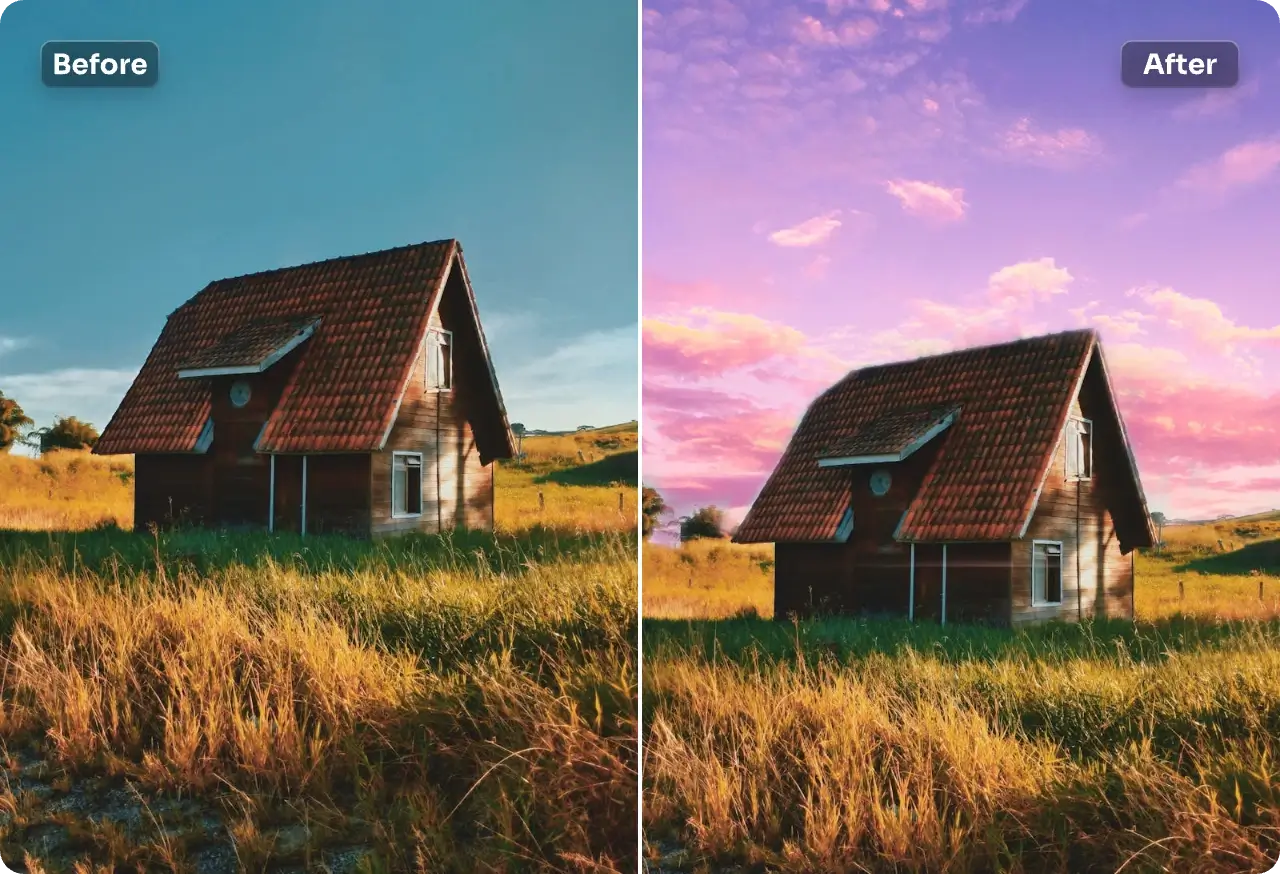
A larger, clearer image provides better edge and horizon detail.
Match time, weather, color and light direction.
Select sky between branches, railings, arches and small openings.
Bright or dark outlines can reveal an inaccurate mask.
Check whether the whole image—not only the sky—makes visual sense.
Preserve the original for documentary, historical, listing or evidentiary uses.
Sky replacement can leave halos, missing branches, conflicting light, inconsistent reflections or implausible clouds. It should never be presented as authentic weather or original documentary content when that distinction matters.
Keep the original and read AI Image Editing Limitations before professional publication.

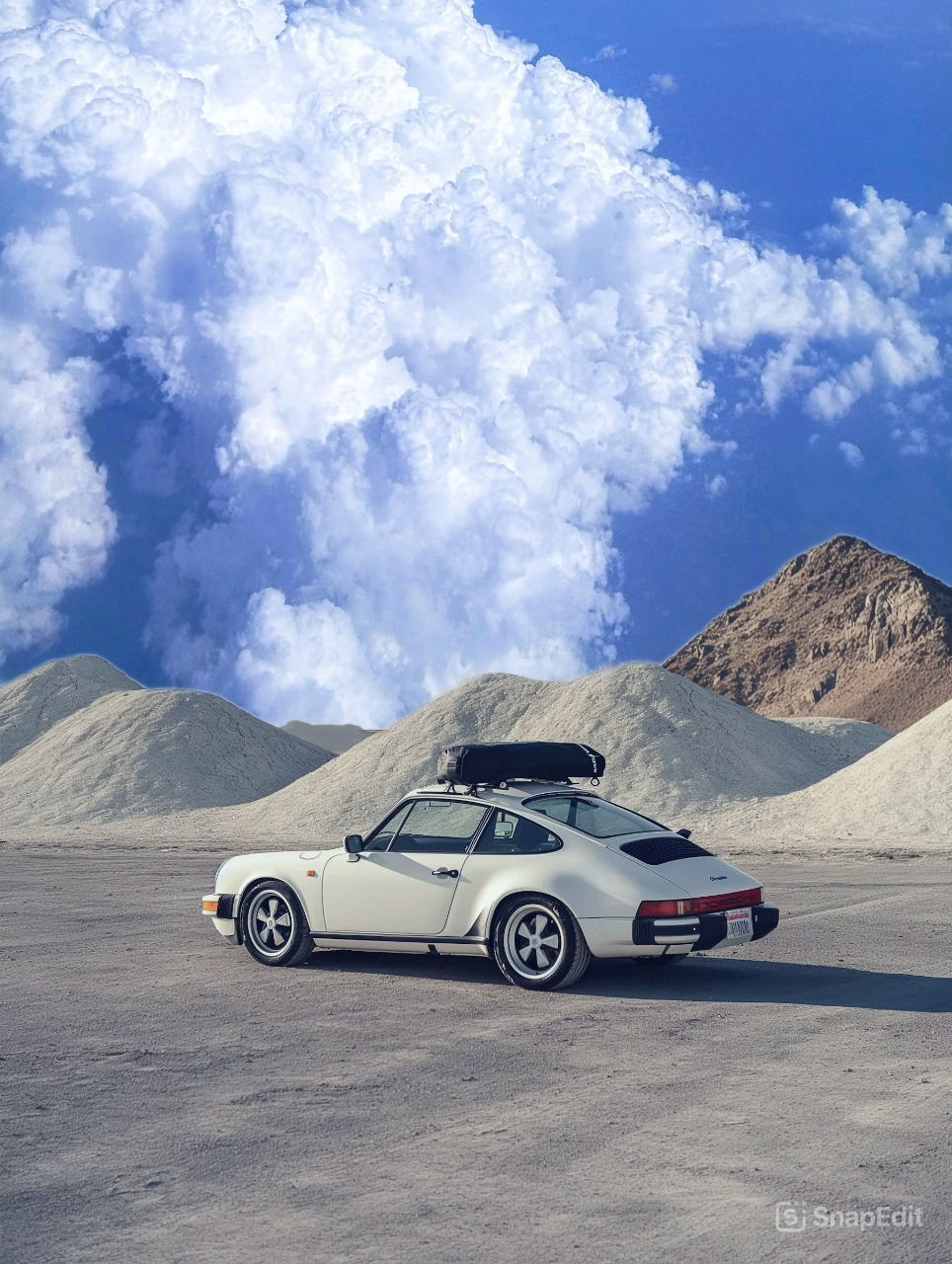
Select the original sky, describe the atmosphere you want and generate a new visual online.
JPG, JPEG, PNG and WebP supported